A decision log message should state the outcome, explain why it was made, name one owner, and set the next deadline. If people have to reread a long chat thread to determine what changed or who is acting, the decision was not documented clearly enough.
The goal is not to turn every discussion into paperwork. It is to make important project choices easy to find, verify, and act on after the meeting, call, or message thread has moved on.
What a decision log message template should include
A decision log message is a standardized update that records what was decided, the context behind it, the reasoning, the person accountable for follow-through, and the next checkpoint. It gives the team an immediate, usable summary without forcing everyone to interpret scattered comments.
In project management, a decision log is the durable record of meaningful choices that affect scope, timelines, budget, priorities, risks, or responsibilities. The message is the announcement or handoff; the fuller decision log in your project tracker, shared document, or project system is the long-term source of truth.
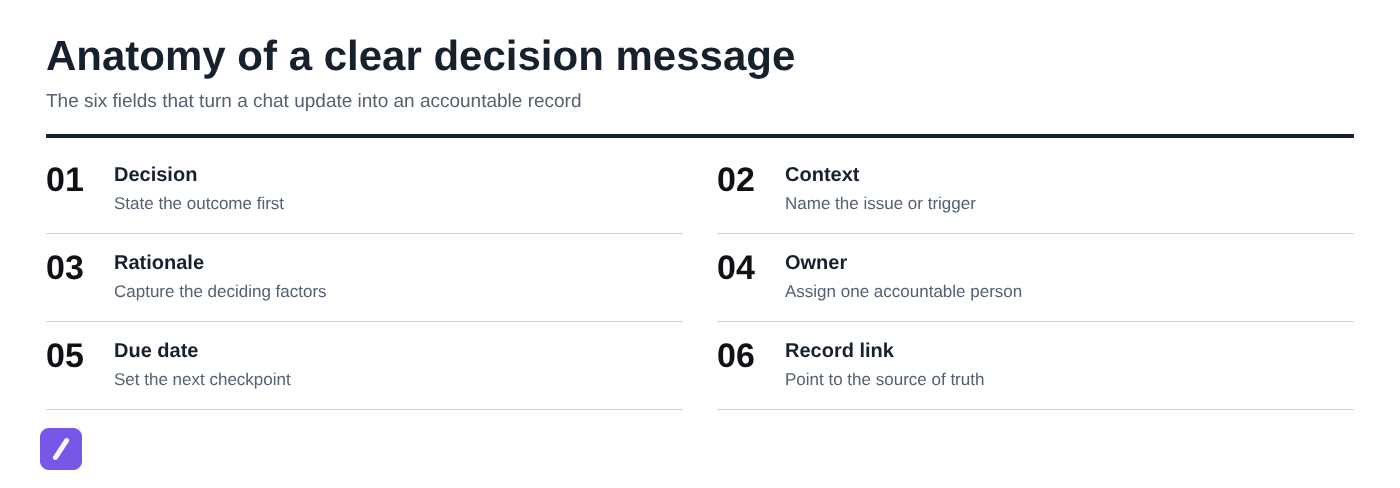
A useful message should include these essentials:
- Decision: The final outcome, written first.
- Context: The issue, trigger, or constraint that required a choice.
- Rationale: The deciding factors, not a transcript of the debate.
- Owner: One person accountable for the next step.
- Actions and due date: What happens next and when it is due or reviewed.
- Record link: A link to the durable decision entry when one exists.
Post the message where affected people are likely to see it and act on it. For an active internal project, that is usually the project channel. For external stakeholders or executives who are not in that channel, email may be the better announcement format.
Copy-and-paste decision log message template
Lead with the decision, not the background discussion. Readers should understand the outcome in the first line, then use the remaining fields to see why it matters and what they need to do.
Decision log update
Decision: [State the decision in one clear sentence.]
Context: [What prompted this decision?]
Rationale: [List the key factors that led to this outcome.]
Owner: [Name of the person accountable for follow-through.]
Actions: [Specific next deliverable or action.]
Due date / next review: [Date and time zone, if relevant.]
Decision log: [Link to the project record, tracker item, or shared document.]
This format works in Slack, Teams, email, or an internal project channel. For a small decision, the context and rationale may be a sentence each. For a decision that changes a release plan or customer commitment, be more precise rather than more verbose.
How to document a decision and assign ownership
The simplest workflow is to capture the decision immediately after it is confirmed, while the reasoning and commitments are still clear. Waiting until later invites vague summaries, disputed details, and missing owners.
- Confirm the outcome. Make sure the group has actually decided, rather than merely discussed an option.
- Write the rationale. Record the two or three factors that determined the choice.
- Name one directly responsible individual. This person owns follow-through, even if several people contribute.
- Define the next deliverable. "Coordinate the launch" is vague; "publish the revised launch checklist" is actionable.
- Set a date. Use either a completion date or a specific review checkpoint.
- Store the durable record. Add the decision to the project system, decision log, or shared document that the team uses to look back.
The decision owner is not necessarily the person who made the call. A product lead may make the scope decision, while an engineering manager owns updating the implementation plan. People who were consulted, informed, or asked to contribute do not replace the need for one accountable owner. For the communication that follows a handoff, a team handoff message template can help clarify responsibilities and next steps.
Link supporting documents only when they help someone verify the decision or complete the next action. A design brief, risk assessment, or revised roadmap can be useful. A pile of meeting notes usually is not.

Example: product launch scope decision
A scope decision needs enough rationale to prevent the same debate from reopening next week. It does not need a replay of every opinion expressed in the planning meeting.
Decision log update
Decision: Defer the in-app referral feature from the May 30 launch.
Context: Referral tracking is not ready for end-to-end QA, and the launch date is a fixed customer commitment.
Rationale: Releasing without reliable attribution would create support risk and make launch reporting inaccurate. Deferring the feature protects the core release date while allowing the referral flow to be tested properly.
Owner: Maya Chen, Product Manager
Actions: Move referral tracking to the June release plan and publish the updated scope summary for Sales and Support.
Due date / next review: Updated scope summary by May 17; referral readiness review on June 7.
Decision log: [Launch project - Decisions - D-14]
Notice that the owner has a concrete deliverable, not just a general responsibility. The message also makes the tradeoff explicit: the team is protecting a fixed release date, not abandoning the feature indefinitely.
Example: decision that needs stakeholder confirmation
Do not mark a decision as final when the person or group with authority has not yet confirmed it. Instead, record the proposal, the required approver, and the deadline for confirmation.
Decision pending confirmation
Proposed decision: Move the customer onboarding webinar from June 12 to June 19 to allow time for the revised product walkthrough.
Context: The walkthrough script depends on onboarding changes scheduled for June 10.
Rationale: A later webinar reduces the chance of presenting outdated steps to new customers.
Confirmation needed from: Elena Ruiz, Head of Customer Success
Confirmation deadline: June 5, 3:00 PM ET
Interim owner: Jordan Lee will hold the June 12 slot and prepare both communication options until confirmation is received.
Decision log: [Customer education project - Pending decisions - P-03]
Here, Jordan owns the interim coordination work, not the final decision itself. That distinction matters. Assigning a final owner before decision authority is clear can create false accountability and confusion about who can approve the change.
Choose the right channel for the message and the record
Use a two-layer approach: communicate the decision where people need to respond, then preserve it in a searchable location built for reference. A project channel is good for visibility and coordination; a decision log, tracker, or project document is better for retrieval months later.
For an active internal team, post the concise decision message in the relevant project channel and include a link to the record. This lets people ask immediate implementation questions without turning chat history into the only evidence of what was agreed. If the decision changes an internal procedure, an internal process change announcement template can help communicate the new requirement clearly.
Email is appropriate when the decision affects external stakeholders, customers, vendors, or senior leaders who do not use the team's daily communication channel. Keep the same structure: outcome first, rationale, owner, next date, and a record link where appropriate.
Chat history alone is rarely a reliable decision log. Messages are hard to search consistently, threads get fragmented, and final outcomes can be buried beneath earlier proposals. Treat chat as the notification layer, not the archive.
Use reusable snippets to keep decision updates consistent
A reusable text snippet makes it easier to document decisions while the details are fresh. Save the template once, insert it wherever you communicate, and fill in the fields that are specific to the decision.
Choose a memorable shortcut such as /decision, then agree on the required fields before the team starts using it. At a minimum, require a decision, rationale, owner, and date. Teams handling larger projects may also require a project identifier and source-of-truth link.
SnipFlux is a cross-platform text expander that can store this template and insert it with a shortcut in supported writing fields across Chrome, macOS, and Windows. That removes the friction of finding an old message, copying it, and cleaning up inconsistent formatting each time.
SnipFlux
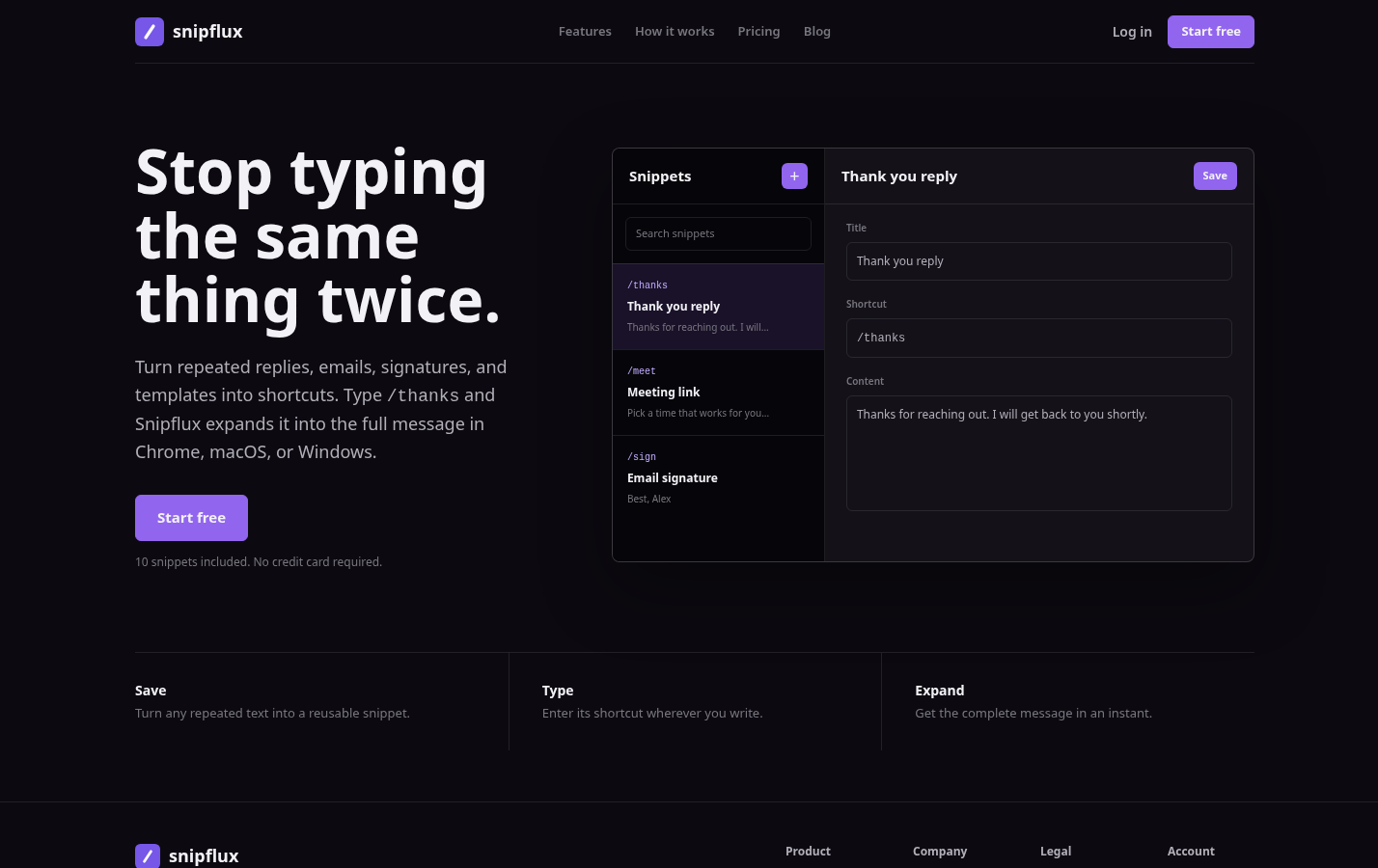
SnipFlux is most useful when you regularly write structured updates in more than one place, such as a project channel, email client, support tool, or browser-based tracker. Save the decision log format as a snippet, assign a shortcut such as /decision, and customize the placeholders for each update.
Its strength is fast, consistent insertion of reusable text, along with organization through snippet names, folders, labels, and shared workspaces. It is not a project-management system or a replacement for the decision log itself, so your team still needs a durable location for finalized records.
Common mistakes that make decision logs hard to use
Most decision logs fail because they leave readers to infer the one thing the message should settle. These corrections keep the record practical.
- Vague decision: "We agreed to adjust the launch." Replace it with the exact change: "Defer referral tracking from the May 30 launch."
- No rationale: A bare outcome invites the same debate to return. Add the deciding constraint, such as a fixed date, budget limit, customer requirement, or quality risk.
- Assigning a team instead of an owner: "Marketing will handle it" has no accountable person. Name the individual responsible for the next deliverable.
- Missing dates: An action without a checkpoint is easy to forget. Add a completion deadline or a review date.
- Burying the outcome in discussion: Do not lead with paragraphs of meeting context. Put the final decision in the first line, then explain it.
- Calling a proposal final: If approval is pending, label it clearly and identify who must confirm it.
Make every decision easy to find and act on
A good decision log message does five jobs quickly: it states the outcome, captures enough context to explain it, assigns one owner, sets the next date, and points people to a findable record. That is enough structure to create accountability without slowing down the team.
If you send these updates regularly, save the template as a SnipFlux snippet and use a consistent shortcut. The less effort it takes to document a decision properly, the more likely the record will exist when someone needs it.