A good interview invitation email answers the candidate's practical questions before they have to ask: what role this is for, when the interview happens, how it will work, and what they need to do next. It does not need to be long, but it does need to be complete.
The best approach is to use a clear base template, then adjust the logistics and preparation details for the interview format. That keeps recruiting communication professional without making every message sound copied and pasted.
What an interview invitation email should include
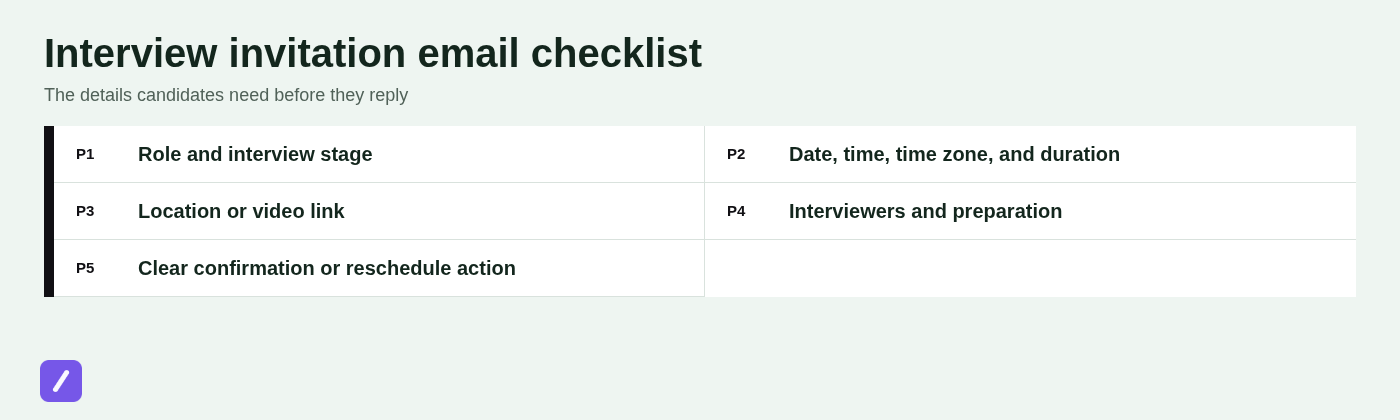
A clear, professional invitation confirms the role, interview format, scheduling details, and a simple action for the candidate to take. If any of those elements are missing, the candidate must chase clarification or make assumptions - neither is a strong start to the interview process.
- Candidate name: Address the person correctly and use their preferred name where known.
- Job title: State the exact role, especially if the candidate applied to several positions.
- Interview stage or purpose: Explain whether this is an initial screen, hiring manager interview, technical discussion, or final round.
- Date, time, and time zone: Never assume a time zone is obvious, particularly for remote roles.
- Expected duration: A 20-minute phone screen and a 90-minute panel require different preparation and calendar planning.
- Location or video link: Tell candidates where to go or how to join, including the platform for virtual meetings.
- Interviewer names: Name the recruiter, hiring manager, or panel members when that information will help the candidate prepare.
- Preparation instructions: Include only what is necessary, such as bringing work samples or preparing a short presentation.
- Accessibility or accommodation contact: Give candidates a practical way to request support.
- Confirmation and rescheduling contact: Make it obvious how to accept, decline, or suggest another time.
Each detail lowers uncertainty. A candidate who knows the time zone, format, duration, and expected next step is more likely to arrive prepared and on time. The hiring team also spends less time resolving avoidable scheduling questions.
A simple interview invitation email template
This sample interview invitation email template works well for a first-round conversation. It is warm, direct, and gives the candidate a clear way to respond.
Subject: Interview invitation: [Job title] at [Company]
Hi [Candidate first name],
Thank you for your interest in the [Job title] role at [Company]. We would like to invite you to a [Format] interview to discuss your experience and tell you more about the position.
Here are the details:
- Date: [Date]
- Time: [Time + time zone]
- Duration: [Duration]
- Format: [Format]
- Location or meeting link: [Location/video link]
- Interviewer: [Interviewer name and title]
[Include any brief preparation instructions, if needed.]
Please reply to confirm your availability by [Date]. If this time does not work, please share a few alternatives and we will do our best to find another option.
If you need an accommodation or have questions before the interview, contact [Scheduling contact] at [Email or phone number].
Best,
[Recruiter name]
[Company]
The bracketed fields are not cosmetic. They are the fields most likely to create confusion when left generic, outdated, or incomplete.
Choose the right template for the interview format
The core of the invitation stays the same across formats, but candidates need different information for a phone call, video meeting, office visit, or final-round panel. Change the details that affect preparation and participation rather than sending several nearly identical versions.
1. Phone-screen interview invitation
For a phone screen, make it clear who will call and which number they should use. Candidates should never have to guess whether they are expected to initiate the call.
Subject: Phone interview invitation: [Job title] at [Company]
Hi [Candidate first name],
We would like to schedule a phone interview for the [Job title] position. This [Duration]-minute conversation will cover your background, interest in the role, and the next steps in our hiring process.
- Date and time: [Date], [Time + time zone]
- Interviewer: [Name, title]
- Call details: [Interviewer] will call you at [Phone number], or please confirm the best number to reach you.
Please reply by [Date] to confirm your availability. If another time is better, send a few options that work for you.
Best,
[Recruiter name]
2. Video interview invitation
A video interview invitation should include the platform, link, time zone, interviewer, duration, and a contact for technical problems. A meeting link alone is not an invitation; it provides no context and creates unnecessary uncertainty.
Subject: Next step: video interview for [Job title]
Hi [Candidate first name],
We would be pleased to speak with you in a video interview for the [Job title] role at [Company]. You will meet with [Interviewer name, title] for approximately [Duration].
- Date and time: [Date], [Time + time zone]
- Platform: [Platform]
- Join link: [Video link]
- Discussion: [Brief topic or interview focus]
Please reply to confirm that you can attend. If you have trouble joining at the scheduled time, contact [Backup contact and phone number].
We will also include the meeting link and time in a calendar invite for easy reference.
Best,
[Recruiter name]
Send the video link in both the email and calendar event. The email makes it easy to find before confirmation, while the calendar event puts the joining details where candidates will likely look when the meeting starts.
3. In-person interview invitation
An in-person invitation needs more operational detail than a remote one. Candidates need enough information to arrive calmly, check in correctly, and plan travel without a last-minute exchange of emails.
Subject: On-site interview invitation: [Job title] at [Company]
Hi [Candidate first name],
We would like to invite you to an in-person interview for the [Job title] role at [Company]. The interview will take approximately [Duration] and you will meet with [Interviewer name or team].
- Date and time: [Date], [Time + time zone]
- Location: [Office address]
- Arrival: Please arrive at [Arrival time] and check in at [Reception/security instructions].
- Travel details: [Parking, transit, visitor access, or other relevant guidance]
- On-site contact: [Name and phone number]
If you need an accessibility accommodation for your visit, please contact [Contact] before the interview so we can make appropriate arrangements.
Please confirm your availability by [Date].
Best,
[Recruiter name]
4. Panel or final-round interview invitation
Panel and final-round interviews require more preparation, so explain the structure upfront. Candidates do not need lengthy biographies for every attendee, but they should know who they will meet, how long the session will take, and whether they need to prepare anything.
Subject: Final-round interview invitation: [Job title] at [Company]
Hi [Candidate first name],
We are pleased to invite you to the next stage of the interview process for the [Job title] role. This [Duration] interview will include conversations with members of the [Team or department] team.
- Date and time: [Date], [Time + time zone]
- Format: [Video or in person]
- Interview structure: [For example: 30-minute hiring manager discussion followed by a 45-minute panel]
- Attendees: [Names and roles, where helpful]
- Preparation: [Presentation, work sample, portfolio, or no preparation required]
- Location or joining details: [Address or video link]
Please confirm your availability by [Date]. If you need to discuss another time or an accommodation, contact [Scheduling contact].
Best,
[Recruiter name]
How to write the email so candidates respond
Use a specific subject line, lead with the invitation, keep logistics easy to scan, and end with one clear next step. Candidates are often managing several applications and calendars, so an invitation should be easy to understand in a quick read.
Useful subject lines include:
- Interview invitation: [Job title] at [Company]
- Next step: video interview for [Job title]
- Invitation to speak with the [Team name] team
- Please confirm: [Job title] interview on [Date]
Open with the decision: "We would like to invite you to interview for the [Job title] role." Do not bury that sentence beneath a paragraph of company background or generic praise.
One credible sentence of context is usually enough. For example: "This conversation will focus on how your customer support experience aligns with our growing onboarding team." Add more only when it helps the candidate prepare, such as for a specialized technical role or a presentation-based final round.
End with one action, not several competing requests. Ask the candidate to confirm attendance, propose alternatives, or complete a scheduling step. If they need to take another action, such as submit a work sample, state the deadline separately and plainly.
Add a calendar invite without creating confusion
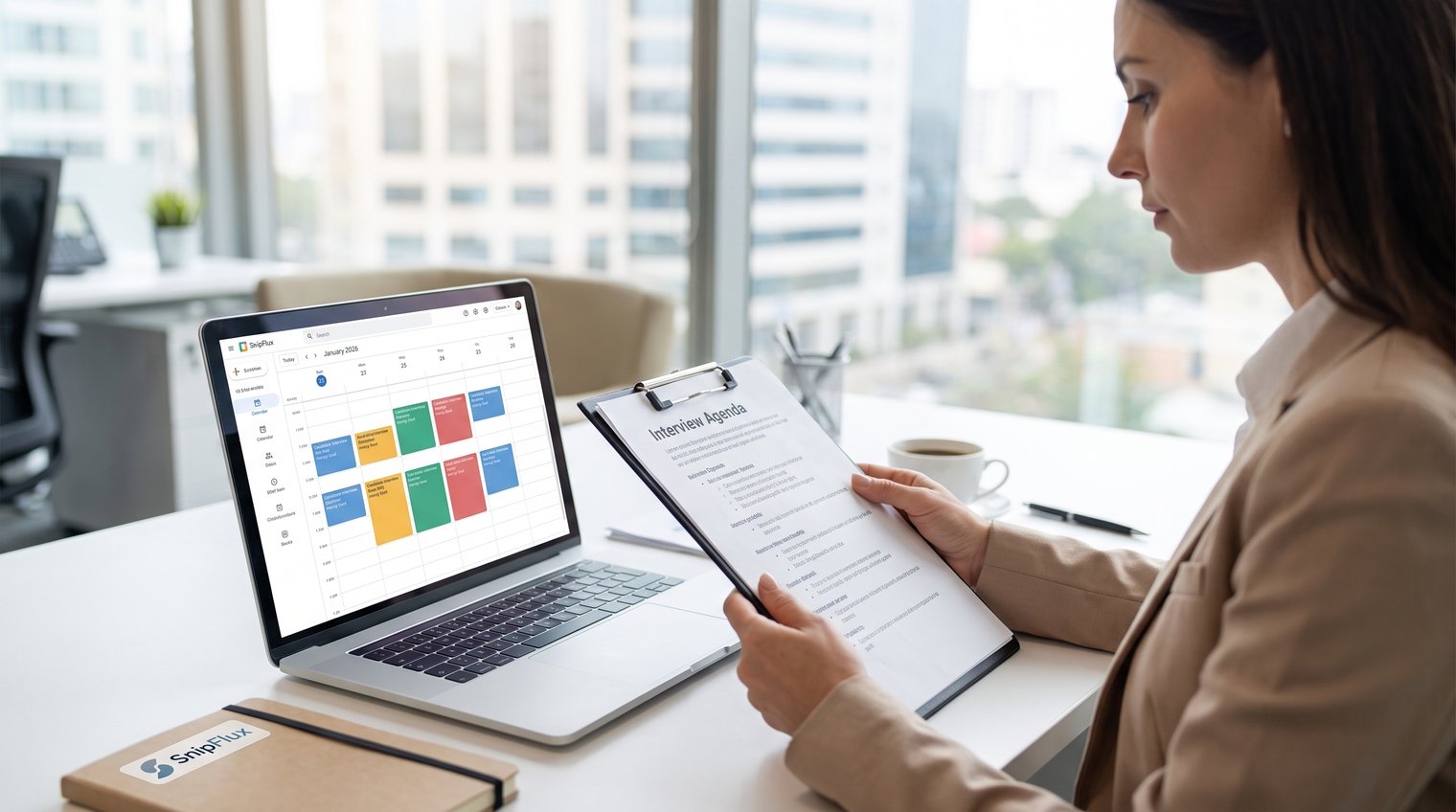
Use the email for context and response instructions, then use the calendar invitation for the confirmed event details. Treating both as interchangeable is how teams end up with mismatched times, duplicate links, and candidates unsure which message is current.
The email should explain why you are meeting, who the candidate will speak with, what preparation is expected, and how to confirm or reschedule. The calendar event should contain the confirmed date, time zone, duration, location or video link, attendee list, and a short agenda.
Once the candidate confirms, send the calendar invitation promptly. For a video interview, place the joining link in the event location or description as well as the email. For an in-person interview, include the full office address, arrival instructions, and an on-site contact.
If logistics change, update the existing calendar event rather than sending a separate replacement email with partial details. A short note explaining the change is useful, but the updated event should remain the source of truth.
When to offer scheduling flexibility
A fixed interview time is appropriate when a panel, hiring manager, or limited availability makes alternatives difficult. For an early phone screen or video conversation, offering time slots or a scheduling link is often more efficient and more considerate.
When you need flexibility without sounding open-ended, use wording such as: "Please confirm by [Date]. If this time does not work, reply with two or three available times between [range], and we will try to accommodate you."
For candidates in other regions, always state the time zone and avoid assuming that standard local business hours are universally workable. A candidate may be employed, caregiving, or interviewing across a significant time difference. Reasonable options make coordination easier; they do not weaken the hiring process.
Accommodation requests should be handled as practical scheduling and participation details. Provide a named contact or inbox, allow enough notice where possible, and avoid making candidates explain more than is necessary to arrange the support they need.
Common interview invitation email mistakes to avoid
Most invitation problems are small omissions with outsized consequences. They create candidate anxiety and force recruiters into unnecessary back-and-forth.
- Leaving out the time zone: "2:00 p.m." is ambiguous for remote candidates. Include the zone every time.
- Using vague format language: "Let's connect" does not say whether the candidate should expect a phone call, video meeting, or office visit.
- Omitting the duration: Candidates need to protect the right amount of time on their calendar.
- Sending an untested video link: A broken link is avoidable friction at the exact moment the interview begins.
- Making confirmation unclear: Do not make candidates guess whether accepting a calendar invite is enough or whether they should reply to the email.
- Assigning excessive preparation: A request for a large unpaid project or detailed presentation should be purposeful, proportionate, and clearly explained.
- Sounding overly casual or impersonal: "Hop on whenever" feels disorganized, while an email that never uses the candidate's name feels automated.
Professional does not mean stiff. It means the candidate can understand the plan, prepare appropriately, and get help if something changes.
Save and reuse interview invitation templates without sounding automated
Reusable templates save time when they preserve approved language while leaving the right details open for personalization. The goal is consistency in the process, not identical messages regardless of role or interview stage.
Create separate templates for phone screens, video interviews, on-site meetings, and final rounds. Mark the fields that must be checked before sending: candidate name, job title, date and time zone, interviewer names, location or meeting link, preparation instructions, and scheduling contact.
A short pre-send review prevents the most damaging errors: the wrong company name, an old video link, a previous candidate's details, or a calendar time that does not match the email. For shared recruiting teams, keep the approved wording in one place and update it when the process changes.
SnipFlux can help recruiters expand reusable interview invitation templates across Chrome, macOS, and Windows, while still prompting a quick recruiter-specific personalization before the message is sent.
Send an invitation that makes the next step easy
Candidates do not need a lengthy email. They need clear logistics, enough context to prepare, and an uncomplicated path to confirm or reschedule.
Start with a reliable template, tailor it to the interview format, and keep calendar details aligned with the email. Teams that send these messages repeatedly can save approved versions as SnipFlux snippets for faster, more consistent outreach.